🎄 Free this Christmas · no account

This Christmas, everyone makes it into the photo

The camera places everyone in front of the tree, at dinner or for the toast, with a countdown. And these nights’ sky: the Christmas Eve moon, the moon over your tree and the exact time for the lights.

The Christmas tools come back on 1 December
In the meantime the rest of the app is yours: the Sun and the Moon where you want them, golden hour, eclipses… Download it now and in December the Christmas special will appear on the home screen. Go to the home page →

Four things for the holidays

All free, inside the app, with no account at all. Your photos never leave your phone.
🎄

Christmas framings

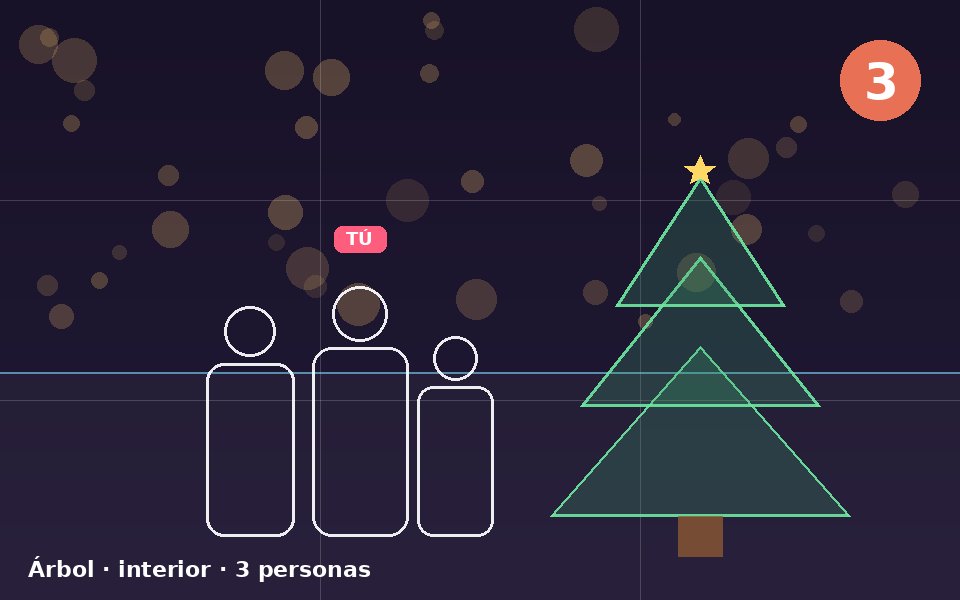
Tell the camera how many of you there are and the scene (tree, dinner, jumper group, toast, presents, snow…) and it places everyone. Drag anyone around, set the countdown and run to your spot. The photo is saved clean.
🌕

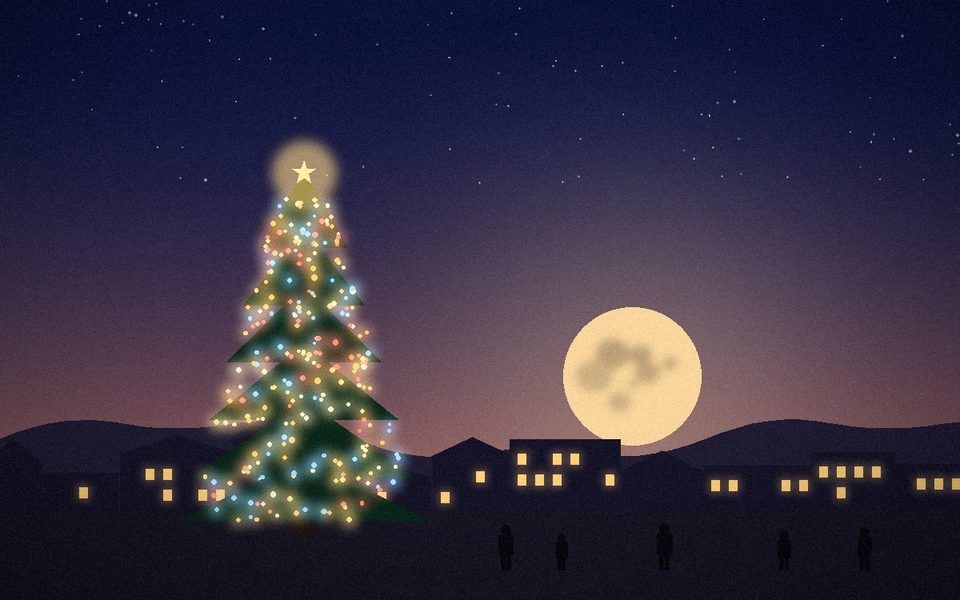
The Christmas Eve Moon

Where and when the moon rises on 24 December from your town, and how long after sunset. This year, on top, it is a full moon.
🌲

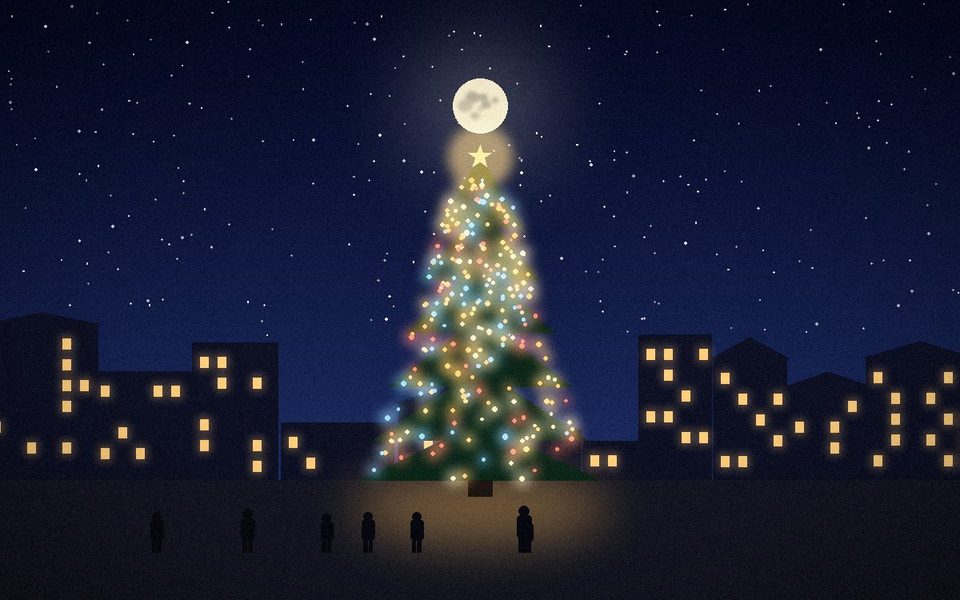
The moon over your tree

Mark your tree (the one in the square, the one in the garden) and we tell you which night and at what time the moon passes right over it, and where to stand to see it that way.
✨

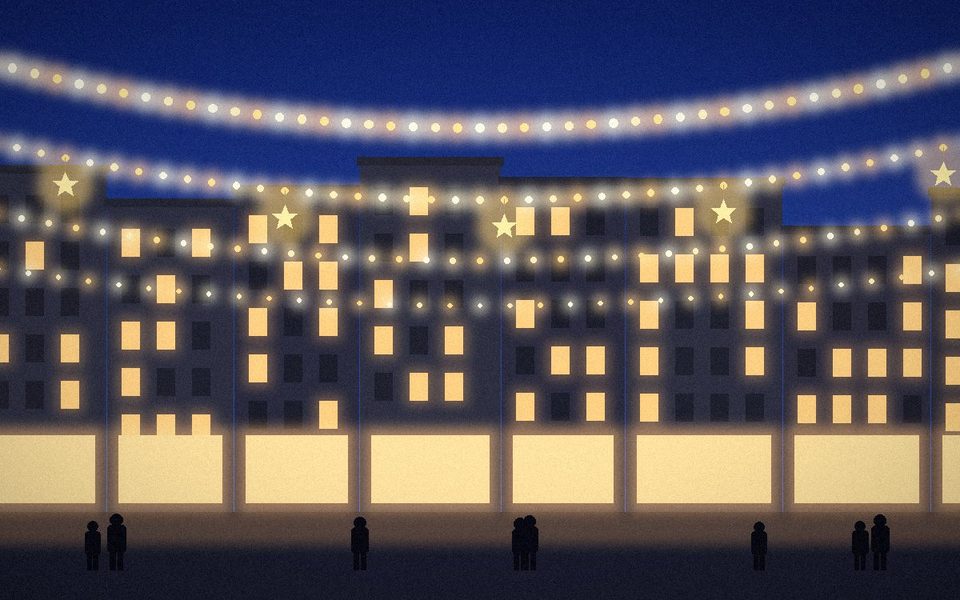
Blue hour for the lights

Street lights look best while the sky is still blue, about twenty minutes after sunset. We give you today’s exact time for your spot.

This easy

1
📲

Download the app (free)

2
🎄

Open “Christmas special” on the home screen

3
📸

Choose the scene, how many you are, and shoot

Your Christmas photos

Share yours with #TimelyShot. With your permission, we show it here. The first one could be yours.

Happy holidays. And happy photo.

Free on iPhone and Android. No account for the Christmas tools.

✓ Free · iPhone and Android
TimelyShotDownload it free